Zero Maintenance Remote Servers
Has the opportunity ever presented itself to you to put a server in a remote location, but you were worried if something happened you wouldn't be close enough to fix it? This post covers the best configuration for a zero maintenance remote server to act as a backup target or a remote resource for your current infrastructure.
The Constraints
The goal of this setup will be a server which can survive boot drive failures, storage drive failures, and remain network accessible even with changes in IP, routers, ISP, or firewall configurations. The idea being if something were to happen and you could not reach the servers location, it will continue to run until the hardware burns out.
The Hardware
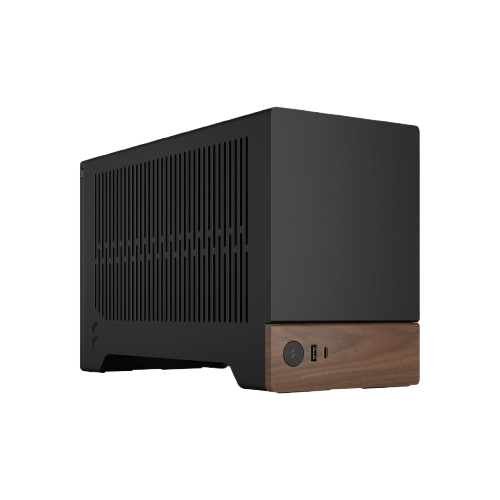
The assumption is this server will be stashed in a friends, parents, or grandparents house which will not have a server rack. This means our hardware has to be small and quiet enough not to draw attention since it will need to be hardwired into the router.
The optimal hard drive setup is 2 mirrors: a mirror for the boot drive and another mirror for the main pool. With mirrors, if one drive dies, the other has an exact copy of the data on it and since its not a RAIDZ array, does not slow down read/writes for parity calculation in the event of a failure. This means if one of the mirrored drives dies, the server can go on at full speed like nothing has happened with no data loss.
At the very least you will need 4 hard drives to build the two mirrors. You can get away with a very small build if you don't need a massive pool for storage. Ideally a pair of SSDs and a pair of NVMe drives would do, or maybe four SSDs. If you need a large pool for remote backup, two 3.5" spinning disk drives are unavoidable.
There should be no issue getting an ITX motherboard with a small case to house all of this. Extra points if you find one which uses an SFX size or smaller power supply to save even more space. The mobo, RAM*, CPU (stock cooling), PSU, and drives should be all this build needs. While battery backup is nice, its more realistic just to set the BIOS to Power On after power loss so if the server looses power you don't have to make a phone call to tell someone to push the On switch.
*ECC ram would be great. Getting small form factor hardware which accepts ECC severely constrains your options, as well as increases your budget. If you can't get ECC, regular DDR RAM is just fine.
The Software
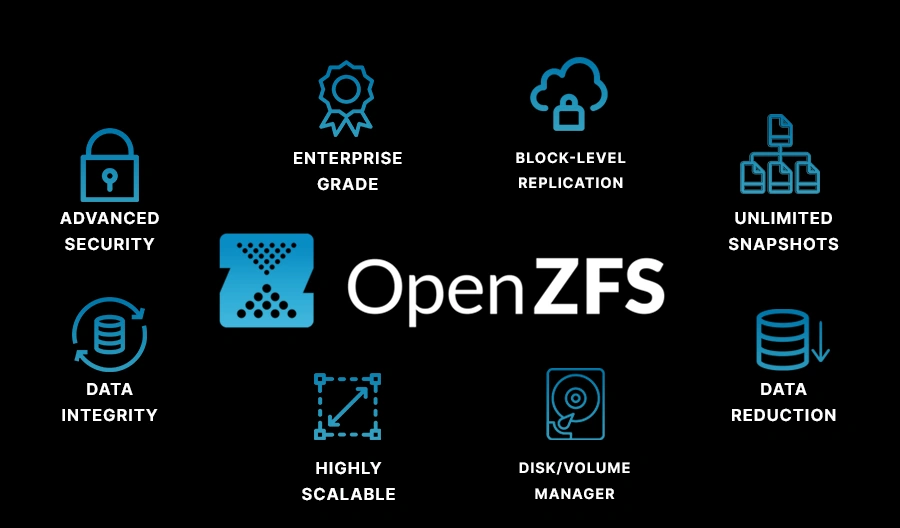
While I am an unabashed fan or TrueNAS, any linux-based operating system running ZFS will do. The reason for this is ZFS has many features to keep data safe over long periods of time without user attention. If you plan on stashing a server in someone's house for 10+ years without needing to touch it, ZFS is the file system you want. By using ZFS, we get software based RAID and can build our two mirrors for boot and storage, set up automatic scrubs and SMART tests, as well as configure alerts if any of those find errors in our data.
Another useful feature of ZFS is encryption. If you are worried about your data being accessed by an attacker, know that ZFS can encrypt your pools as well as decrypt them remotely. Even if someone were to try to attempt to access data your pools, there is no way to brute-force a strong encryption key. Just because your data isn't under your roof doesn't mean it has to be vulnerable!
Networking

Its useless to have this always-on remote server if it becomes unreachable. The issue with having a server in someone else's network is network management is completely out of your control. If their IP changes, or they switch ISPs and routers entirely, you will be cut off from your server. You need a network solution which can overcome any of these obstacles.
Overlay VPNs are built for this exact scenario. A VPN like Netbird can reach out from inside a network allowing you to reach your server at any time as long as the firewall is not blocking outbound traffic (this is very rare). Once your server is added to your Netbird network, it will feel like it is living in your own house, and as long as your server is powered up, it will always be reachable.
Putting It All Together
If this scenario ever presents itself to you and you want a zero maintenance remote server which is always accessible, follow these steps:
- Construct your server out of the smallest parts you can and leave it running for a few days to make sure everything works. Pull the plug once to test that its powers back on automatically when plugged back in.
- Load your operating system on it and set it up to alert in the event of failures.
- Load Netbird and practice reaching your server using only the Netbird IP or DNS confirming the server will remain reachable no matter where it is.
- When you get to your remote location, plug in your server and attach a network cable and confirm you can see it online in your Netbird dashboard.
- Enjoy!